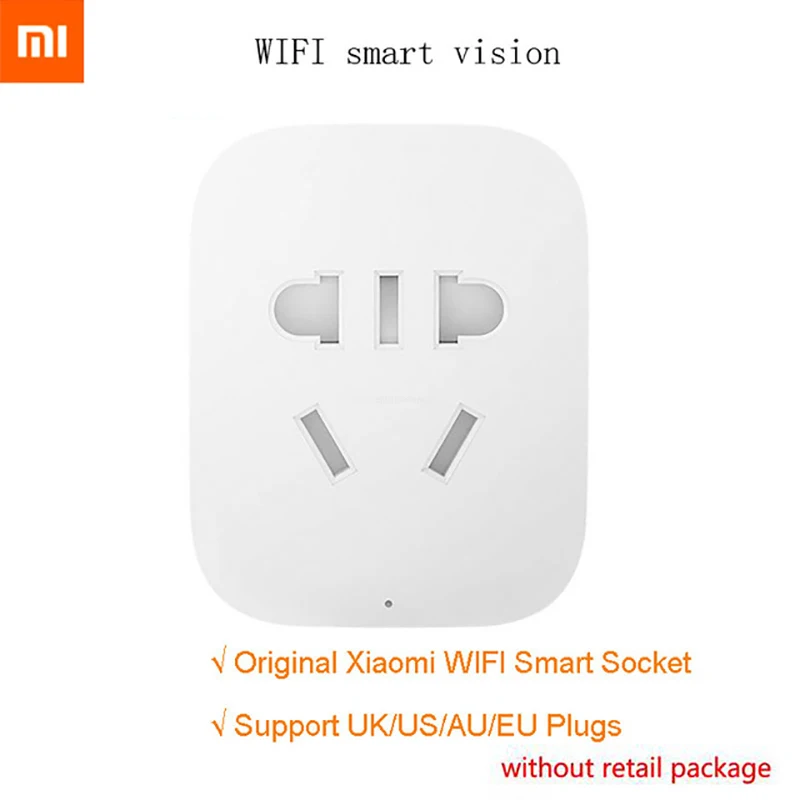
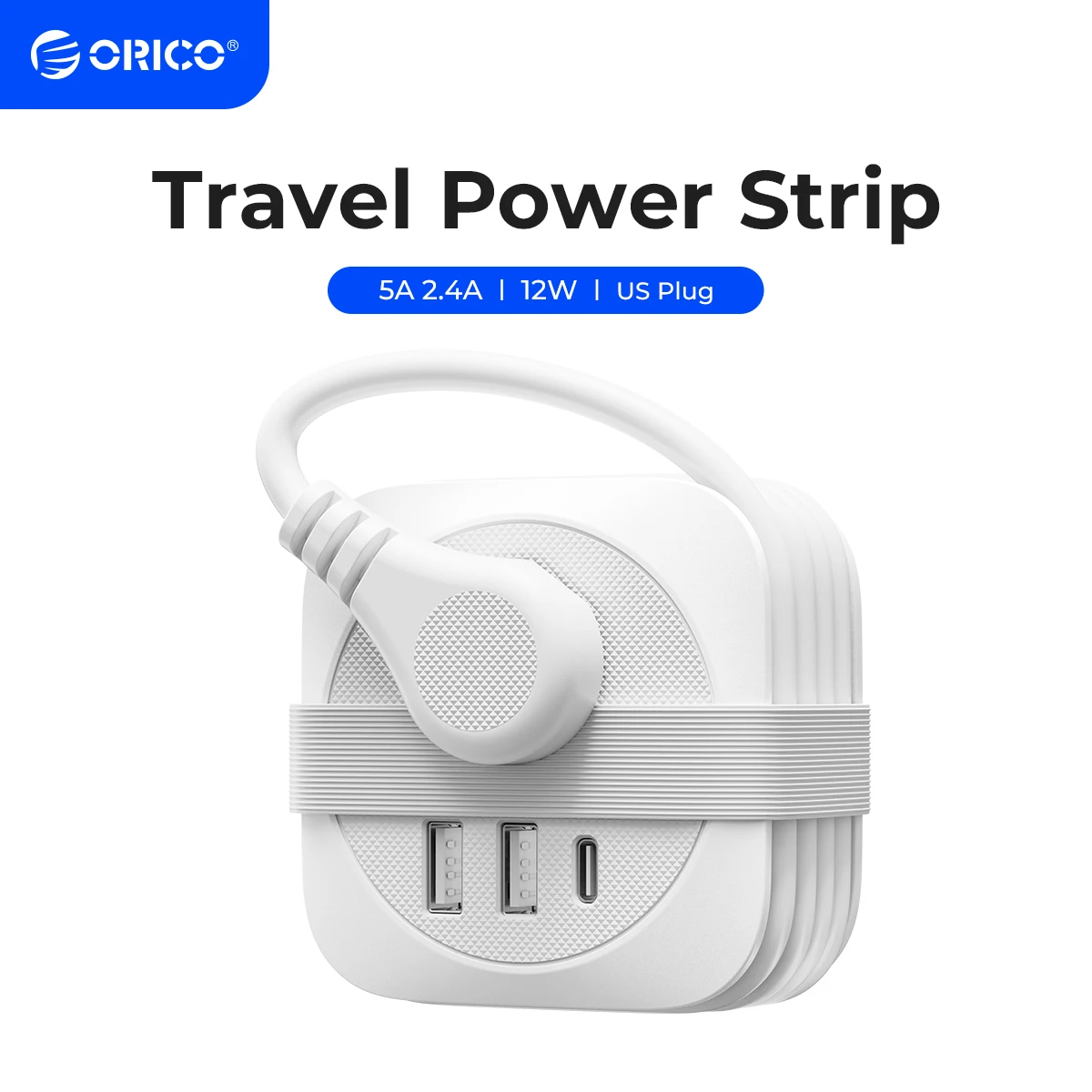
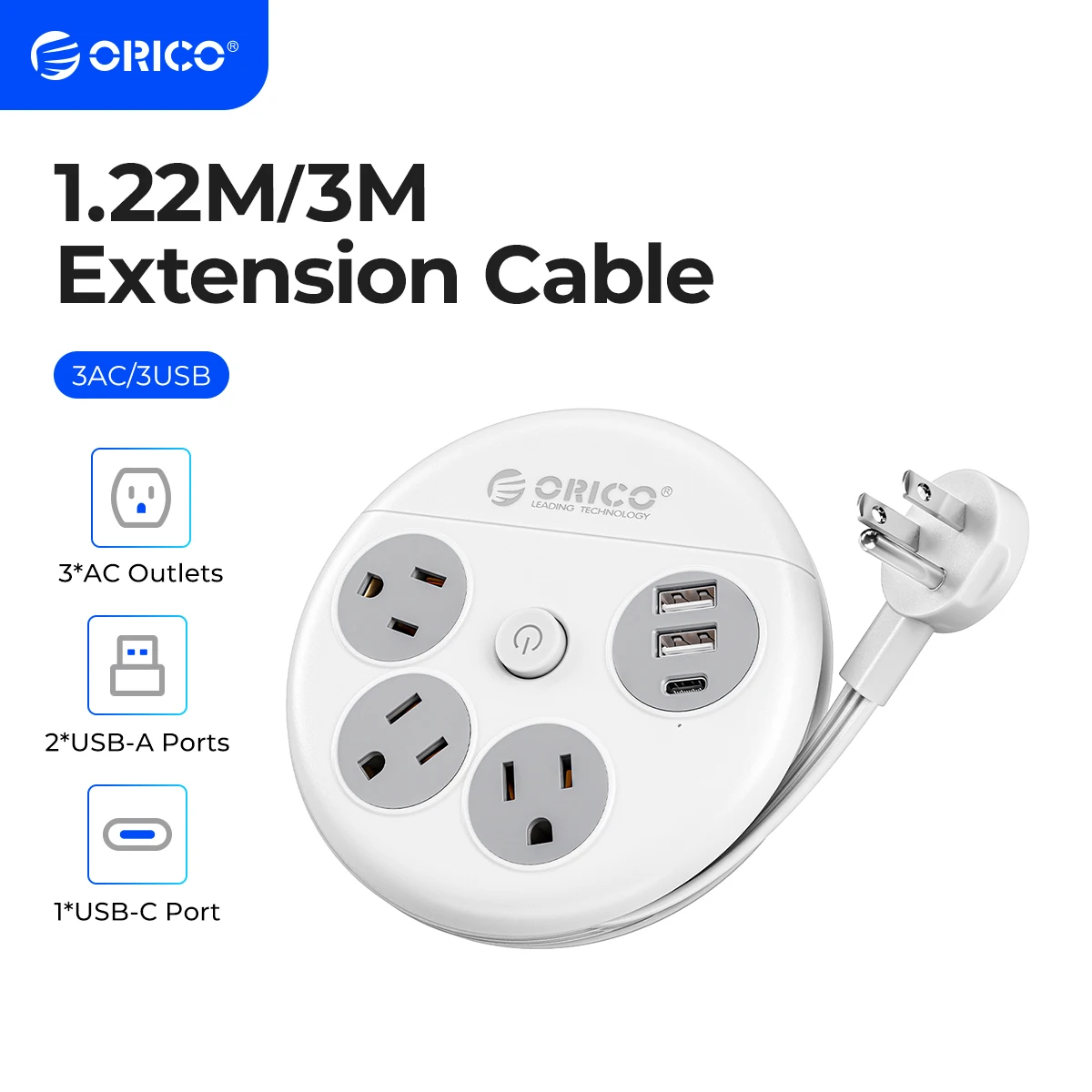
SPECIFICATIONS Protocol: ZigBee Plug Adapter Type: Gift an adapter according to buyer’s region Unit Type: piece Package Weight: 0.25kg (0.55lb.) Package Size: 6cm x 6cm x 4cm (2.36in x 2.36in x 1.57in) support: Drop shipping Scale: 1:5 Brand Name: XIAOMI Model Number: Mijia Smart Socket Control Channels: 2 CHANNELS Gyro: Xiaomi MIJIA Smart Wireless WIFI Socket State of Assembly: Ready-to-Go Max Speed: Xiaomi MIJIA Smart Wireless WIFI Socket Communication method: Wi-Fi Features: Flashing Features: Slot Origin: Mainland China Certification: CE Choice: yes semi_Choice: yes modname=ckeditor Xiaomi MIJIA Smart Wireless WIFI Socket Plug Upgrade Remote Control Timing Switch Power Count For Smart Home App Without Package Specification Size: 55mm * 44mm * 31mm Weight: 63.5 g Color: White WiFi: the WiFi B / G / N Button: Press switch / long press reset reset Input voltage : 90 ~ 250V Output voltage : AC180 ~ 250V Maximum load : Max 2200W. 10A Operating temperature : 0 deg. C – 40 deg. C Material : 750 deg. C temperature flame resistant material The main chip : MW300 Temperature sensor: High temperature protectiion MIJIA Smart WIFI SOCKET WIFI CONNECTING STEPS Please kindly connect the wifi socket and follow the steps .thank you . Step 1: Ensure your router works well and download the Mijia App in your mobile phone . Step 2 :Long-press the Mijia smart socket power button for 5 seconds and RESET the smart socket , and you will see the Yellow light flicker . Step 3 :Find the picture logo of the "smart wifi socket" in Mijia App and add it . Step 4: Click "Next Step" and enter your wifi internet password to connect the internet . Step 5 :Go to the mobile phone WIFI setting part . Find out and choce the“xiaomi-plug_xxxx" wifi and connect it . Step 6: Go to the mijia App to check and use the app . If the light turn on green , it shows the charger has been connected with Wifi success . Package Include 1 X Xiaomi Smart WiFi Socket 1 X User Manual User Manual '